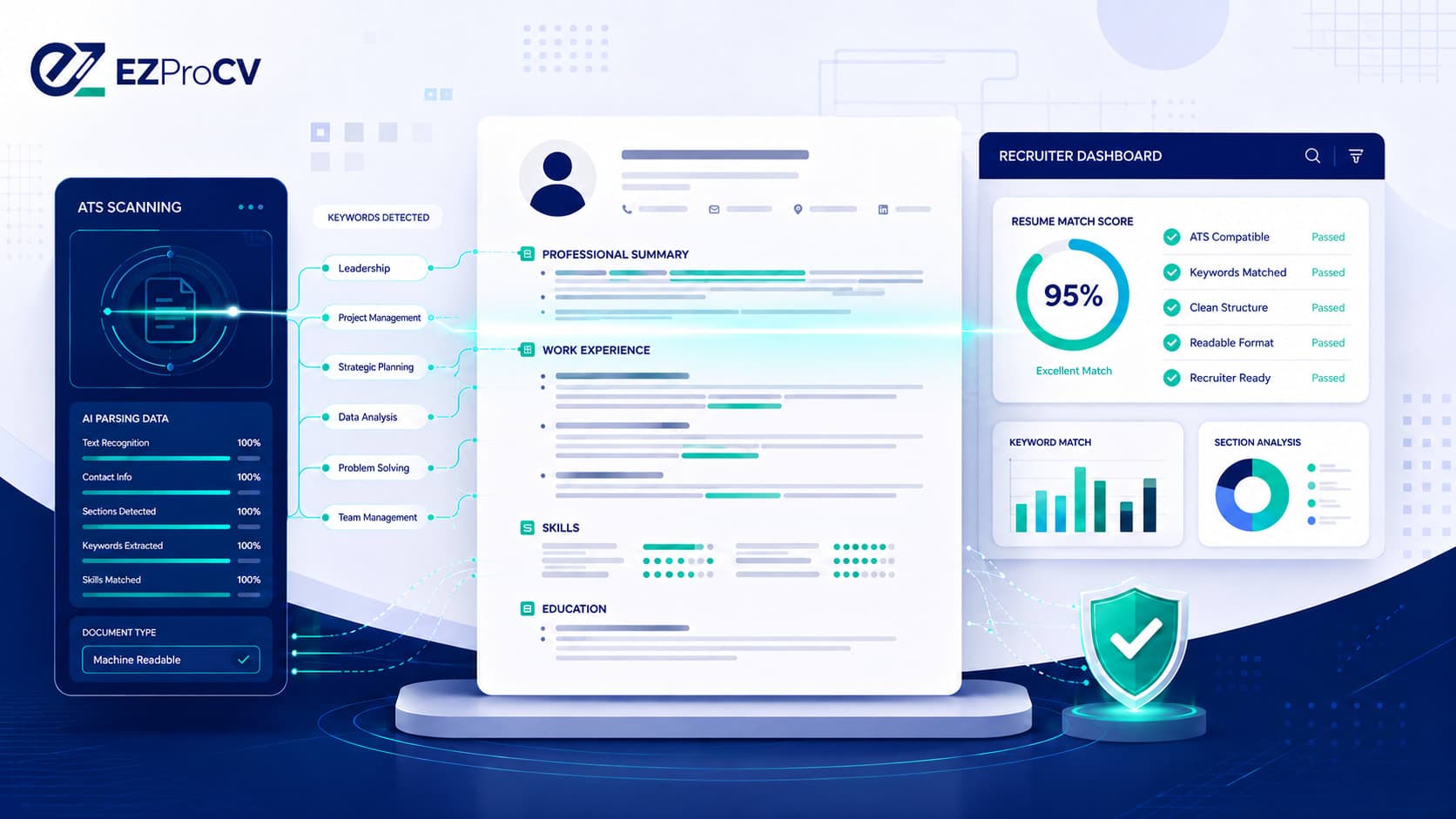
How to Make Your Resume ATS-Friendly in 2026 (ATS Resume Guide)
You tailored your resume, hit submit, and heard nothing. Often the reason isn't your experience — it's that an Applicant Tracking System couldn't read your resume properly or didn't match it to the job. To make your resume ATS-friendly, you need clean structure, the right keywords, and formatting a parser can actually read. This guide gives you the exact rules and a two-minute test to check your own resume.
An ATS-friendly resume isn't a stripped-down, ugly resume. It's a well-structured one that reads cleanly for software and for the recruiter who reviews it next. Here's how to build one.
Featured snippet target: To make your resume ATS-friendly, use standard section headers like "Work Experience" and "Skills," match keywords exactly to the job description, avoid tables and graphics that confuse parsers, choose a standard font, and keep contact details out of the header and footer. Then paste your resume into a plain-text editor to confirm the software reads it in the right order. (55 words)
What Is an ATS?
An Applicant Tracking System (ATS) is software employers use to collect, sort, and filter job applications. When you apply online, your resume usually passes through an ATS before a recruiter sees it.
The ATS parses your resume — pulling out your contact info, job titles, dates, skills, and education — and organizes it against the job requirements. Common systems include Workday, Taleo, Oracle Recruiting, Greenhouse, and iCIMS.
Here's the part most guides get wrong: modern ATS software rarely "auto-rejects" resumes on its own. What actually happens is that recruiters search and filter the applicant pool by keywords and criteria. If your resume is poorly parsed or missing the right terms, you simply don't appear in their filtered results — which has the same effect as rejection. [VERIFY: cite a current source on ATS filtering behavior, e.g. an official Workday/Greenhouse resource or a recruiter survey — do not republish the unverified "75% rejected" figure.]
How an ATS Reads Your Resume
An ATS reads text literally. It scans for:
Keywords — specific skills, tools, and phrases from the job description
Job titles — to match your experience to the role
Dates — to calculate how long you held each position
Section headers — to locate your experience, education, and skills
The limitation: an ATS can't interpret context or nuance. Creative formatting, columns, graphics, or unconventional section names can confuse the parser, causing it to miss information that's obvious to a human eye.
7 Rules for an ATS-Friendly Resume
1. Use Standard Section Headers
ATS software is programmed to recognize standard labels. Use:
Work Experience or Professional Experience
Education
Skills
Certifications
Summary or Professional Summary
Avoid creative alternatives like "Where I've Been" or "My Toolbox." The parser won't know where to file them.
2. Match Keywords to the Job Description
Read the posting and identify the exact skills, tools, and qualifications it names. Use those precise terms in your resume — especially in your skills section and bullet points.
If the job says "proficiency in Salesforce CRM," don't write "CRM experience." Write "Salesforce CRM."
💡 Tip: Mirror the job description's exact wording, then also spell out acronyms once. Write "Search Engine Optimization (SEO)" so you match whether the recruiter searches for the acronym or the full term.
3. Avoid Tables, Columns, and Graphics
Two-column layouts look sharp to the human eye, but many ATS parsers read them left to right across the page, merging both columns into one garbled line and scrambling your text order.
The exception is a resume builder that generates ATS-safe exports. Tools like EZProCV produce two-column layouts that keep clean text order in the exported PDF, because the underlying structure is built for machine readability — not just visual appearance.
4. Use a Standard, Readable Font
Stick to Arial, Calibri, Times New Roman, or Georgia. Decorative or script fonts may not parse correctly. Keep body text between 10 and 12pt.
5. Keep Key Information Out of Headers and Footers
Many ATS systems skip the header and footer of a document. If your contact details sit there, the parser may never see them. Keep everything — name, phone, email — in the main body.
6. Submit as PDF (Usually)
PDF is the standard because it preserves formatting across systems. But always check the posting — some employers or systems specifically request a Word document (.docx). When the instructions are silent, a text-based PDF is the safer choice.
💡 Tip: Make sure your PDF is text-based, not an image. If you can't highlight and copy the text inside your PDF, an ATS can't read it either.
7. Avoid Images, Icons, and Charts
Profile photos, skill-rating bars, and infographic elements look impressive but are invisible to an ATS. It skips them entirely — so any skill you showed as a bar or graphic simply won't be counted.
How to Check if Your Resume Is ATS-Compatible
Run this two-minute test before you submit:
Open your resume PDF and select all the text, then copy it.
Paste it into a plain-text editor like Notepad or TextEdit.
Read the result. Does the text appear in a logical, readable order? Is everything present — contact details, job titles, dates, skills?
If the pasted text is scrambled or missing sections, your formatting will trip up an ATS. Reformat before you apply.
ATS vs. Human Review: You Have to Pass Both
Here's what most guides leave out. Clearing the ATS is only half the job. Once your resume surfaces in the recruiter's results, a human spends roughly 6 to 10 seconds deciding whether to read further. [VERIFY: the "6–10 second" recruiter-scan figure is commonly cited to eye-tracking studies — confirm and link a real source, e.g. a Ladders or recruiter study, before publishing.]
So your resume needs to:
Pass the parse and match the right keywords
Look clean and easy to skim at a glance
Communicate value fast through strong bullet points and a sharp summary
These goals aren't in conflict. A well-structured, keyword-matched resume with clean formatting does both. The trick is starting from the right foundation — an ATS-ready template that also looks polished to human eyes.
Frequently Asked Questions
What does ATS-friendly mean on a resume?
ATS-friendly means your resume is formatted so applicant tracking software can read and categorize it correctly — standard section headers, a readable font, no graphics or tables that scramble the text, and keywords that match the job description. It reads cleanly for both the software and the recruiter.
Do ATS systems automatically reject resumes?
Most modern systems don't auto-reject on their own. Recruiters filter and search the applicant pool by keywords and criteria, so a poorly parsed or keyword-light resume simply doesn't show up in their results — which has the same effect as being rejected.
Is a PDF or Word document better for ATS?
A text-based PDF is usually safest because it preserves formatting across systems. Always follow the job posting, though — if it asks for a .docx, send that. Never submit a scanned or image-based PDF; the software can't read the text inside it.
How many keywords should I put in my resume?
There's no fixed number. Match the specific skills, tools, and titles named in the job description, using their exact wording, and place them naturally in your skills section and bullet points. Don't stuff or hide keywords — modern systems and recruiters catch it, and it reads badly.
Can a two-column resume be ATS-friendly?
It can, but only if the export preserves correct text order. Many DIY two-column layouts get read left to right and scramble. A resume builder designed for ATS output keeps the underlying text order clean in the PDF, so the layout looks like two columns but parses like one clean sequence.
Build an ATS-Safe Resume Without the Guesswork
The simplest way to guarantee ATS compatibility is to start from a template built for it. EZProCV's templates are structured for ATS readability from the ground up — clean section headers, correct text order in two-column layouts, stable pagination, and PDF exports that match exactly what you see in the editor.
No more wondering whether your formatting survives the export. What you see is what gets submitted.
Getting past the ATS isn't a bonus skill anymore — it's the entry requirement. Follow these rules, match your keywords to each job, and start from a template built for the task. That's how your resume reaches the people who actually make the decision.
